Release notes

Keep up to date with AURA’s latest product news every step of the way.
November 2, 2026
AURA panic button
New Release
Emergency request method
While label app
Personal emergency response
South Africa
Kenya
United Kingdom
Copy Link

What's changed

The AURA panic button gives you a physical way to call for help through your AURA-powered app. It connects to your phone over Bluetooth, so you can send an alert without unlocking your phone or opening the app.

It is a companion to your app, not a standalone emergency device. Your phone does the work: it must be switched on, within Bluetooth range and running the app in the background.

Carry it on your keys, wear it, keep it in a bag or fix it in one place. For businesses with an AURA white-label app, it adds another way to reach the same control centre and responder network, with no change to your app's backend.
What happens when you call for help

  1. Press and hold the button for 3 seconds.
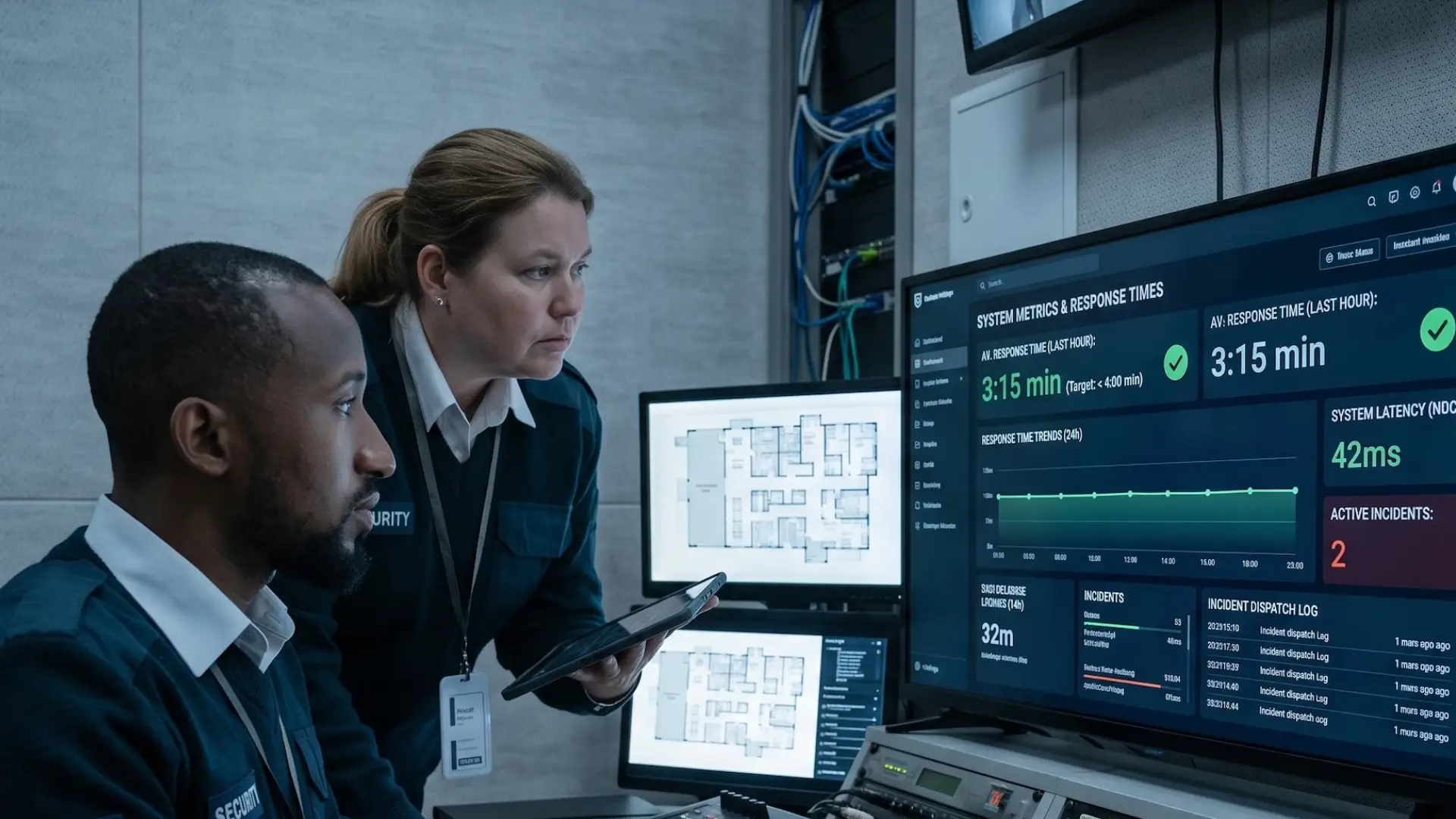
  2. Your alert reaches the AURA control centre. Your app sends your live location and details, and the nearest responder is dispatched.
  3. A controller calls you. They check what you need and reassure you. If it was a false alarm, tell them, or cancel the alert in the app.
  4. Track your responder. Follow their arrival in the app and chat with the control centre while you wait.
  5. Share feedback. Once the callout is complete, the app invites you to rate your experience.

Before you pair

  • Bluetooth on. Keep Bluetooth switched on at all times.
  • Location set to Always. Allow your app to use your location and set it to Always, so your position stays current.
  • iPhone: keep the app in the background. Do not force-close the app by swiping it away. After restarting your phone, reopen the app and test your button.
  • Android: keep notifications on. Keep panic button notifications active, so the app can stay connected to your button.

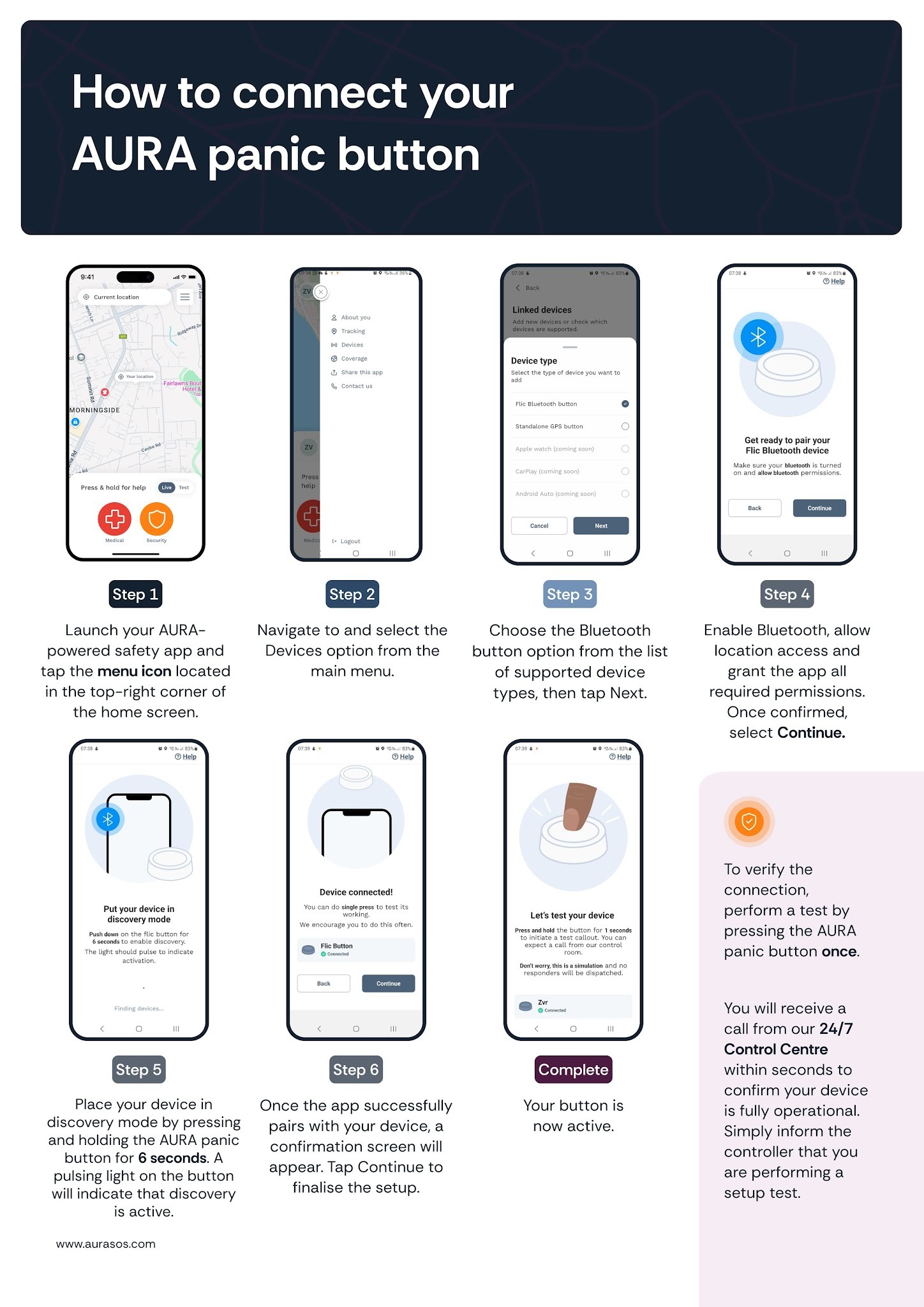
How to pair your button

‍

Where can I get one?

From the AURA panic button page on Dress Your Tech. You need an active subscription to an AURA-powered app, either directly or through an eligible AURA partner.

FAQs

Does the button work if my phone is switched off?
No. The button triggers your alert through the app on your phone, so your phone must be on, within range and running the app.
Do I need to unlock my phone first?
No. The button works while your phone is locked or on standby, as long as the app is running in the background.
What if I press it by accident?
Cancel the alert in the app, or tell the controller when they call. The control centre would always rather confirm you are safe.
Is the button waterproof?
It is weather-resistant and built for everyday wear, so it handles light moisture and splashes.

Personal safety at the tap of a button

See how AURA people protect connects the people in your care to emergency response, backed by AURA's 24/7 control centre.